Signing in
You need to sign in before you can browse the catalog. This page explains what you can do once you are in, and how to change the look of the application.
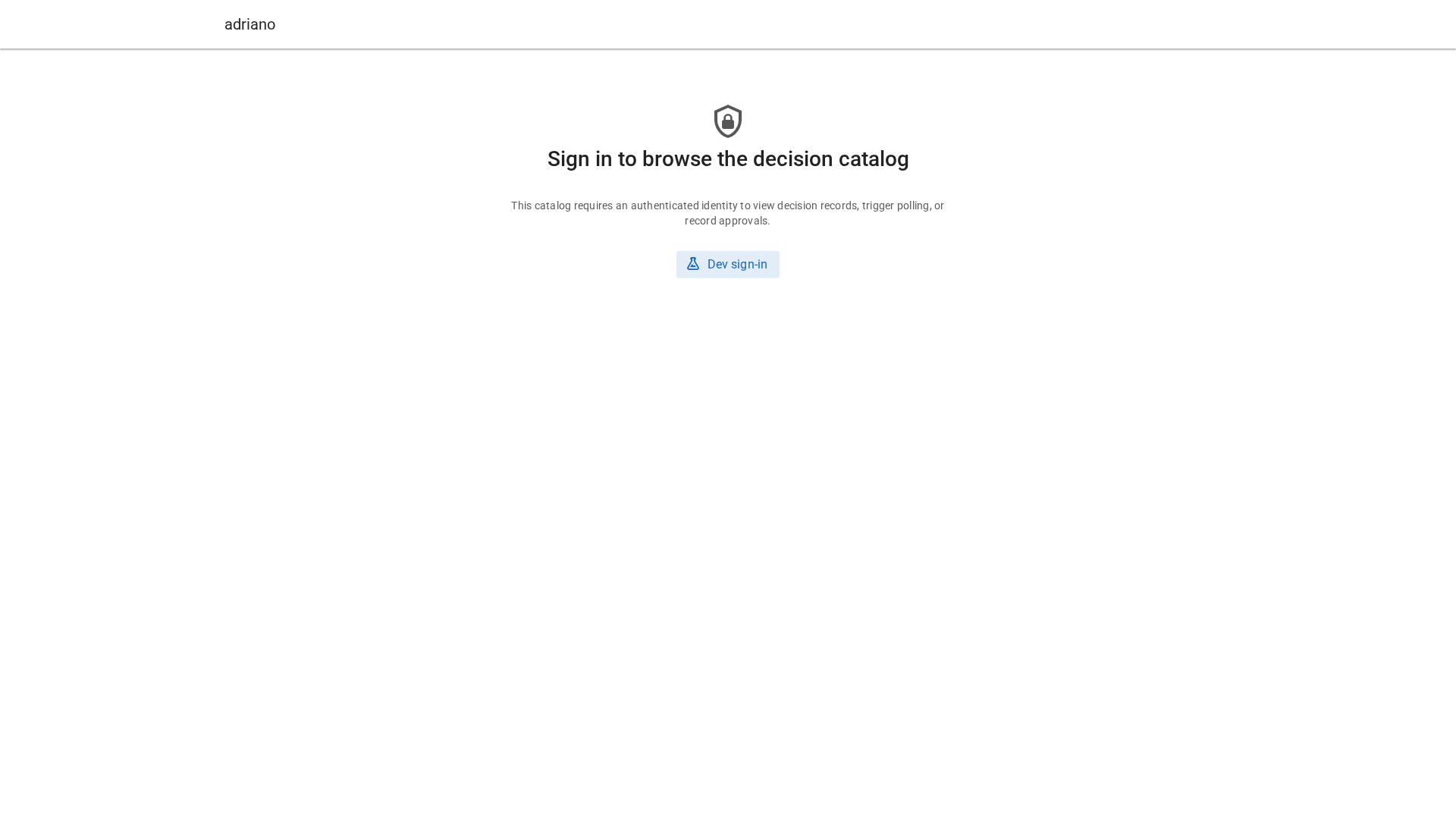
The sign-in screen.
Note
Some screenshots in this guide show a “DEV LOGIN” label in the top bar. It only appears on test installations and does not appear on yours.
Sign in
Open the catalog address your team gave you.
Select Sign in.
Use your usual company login.
You return to the catalog when the login is done. To leave, open the menu with your name and select Sign out.
What you are allowed to do
Your role decides what you can do. There are three roles, and one person can hold several.
- Reader
You can search and read every decision and erratum. You see the status of each one, but you cannot decide. Where a reviewer would see Accept and Reject, you see “Only reviewers can approve this.”
- Reviewer
You can do everything a reader can, and you can accept or reject decisions and verify or reject errata. See Reviewing decisions.
- Operator
You can do everything a reader can, and you can ask the catalog to read its sources again. See Checking and refreshing sources. Being an operator does not make you a reviewer.
Roles are set by your administrators, not in the application. If you cannot do something you expect to, ask them.
Change the theme
Open the menu with your name (on a phone, the Open menu button).
Under Theme, choose Light, Dark or System.
System follows your device setting. The choice is remembered in your browser.
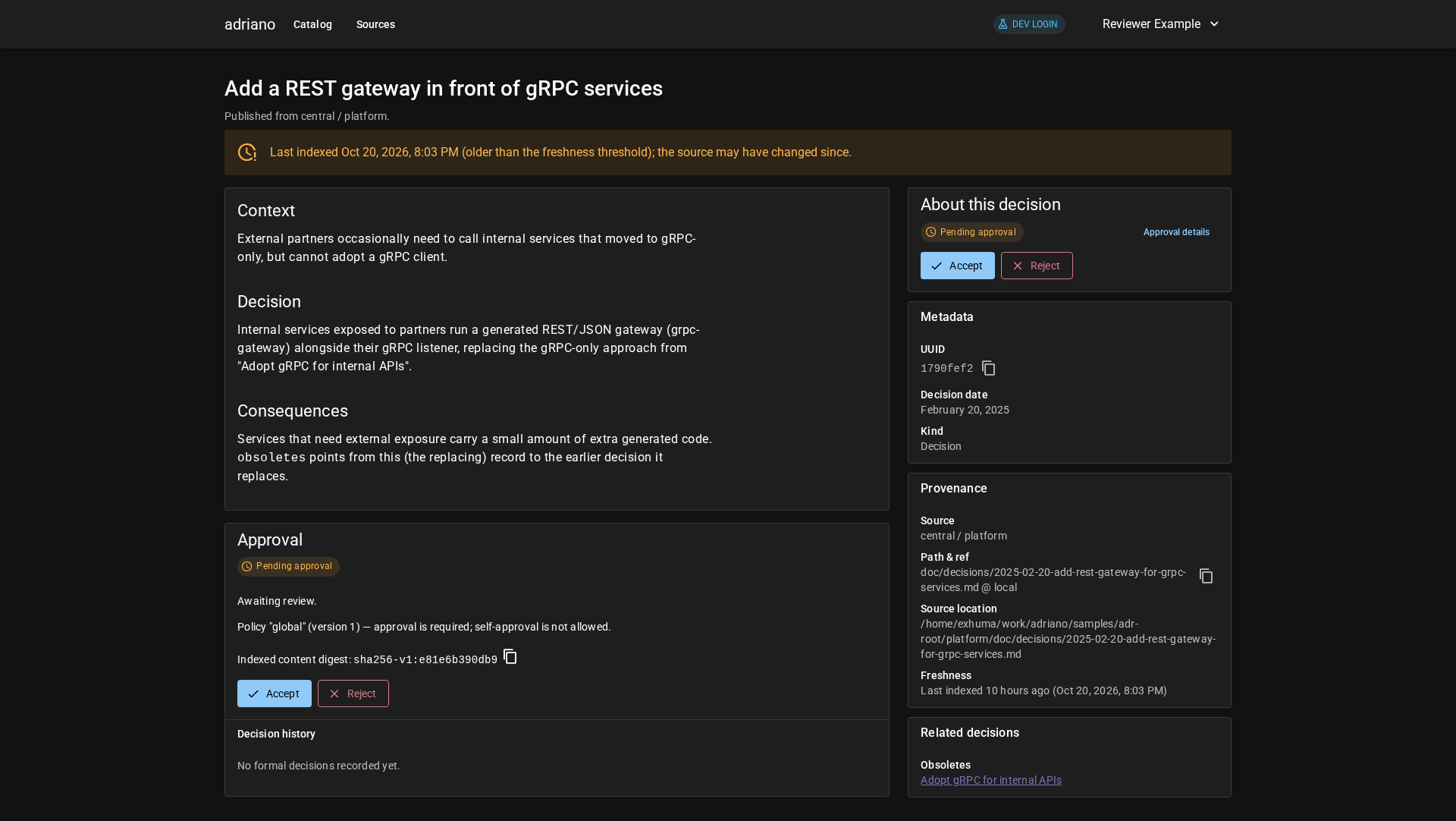
A decision page in the dark theme.
Next: Concepts.